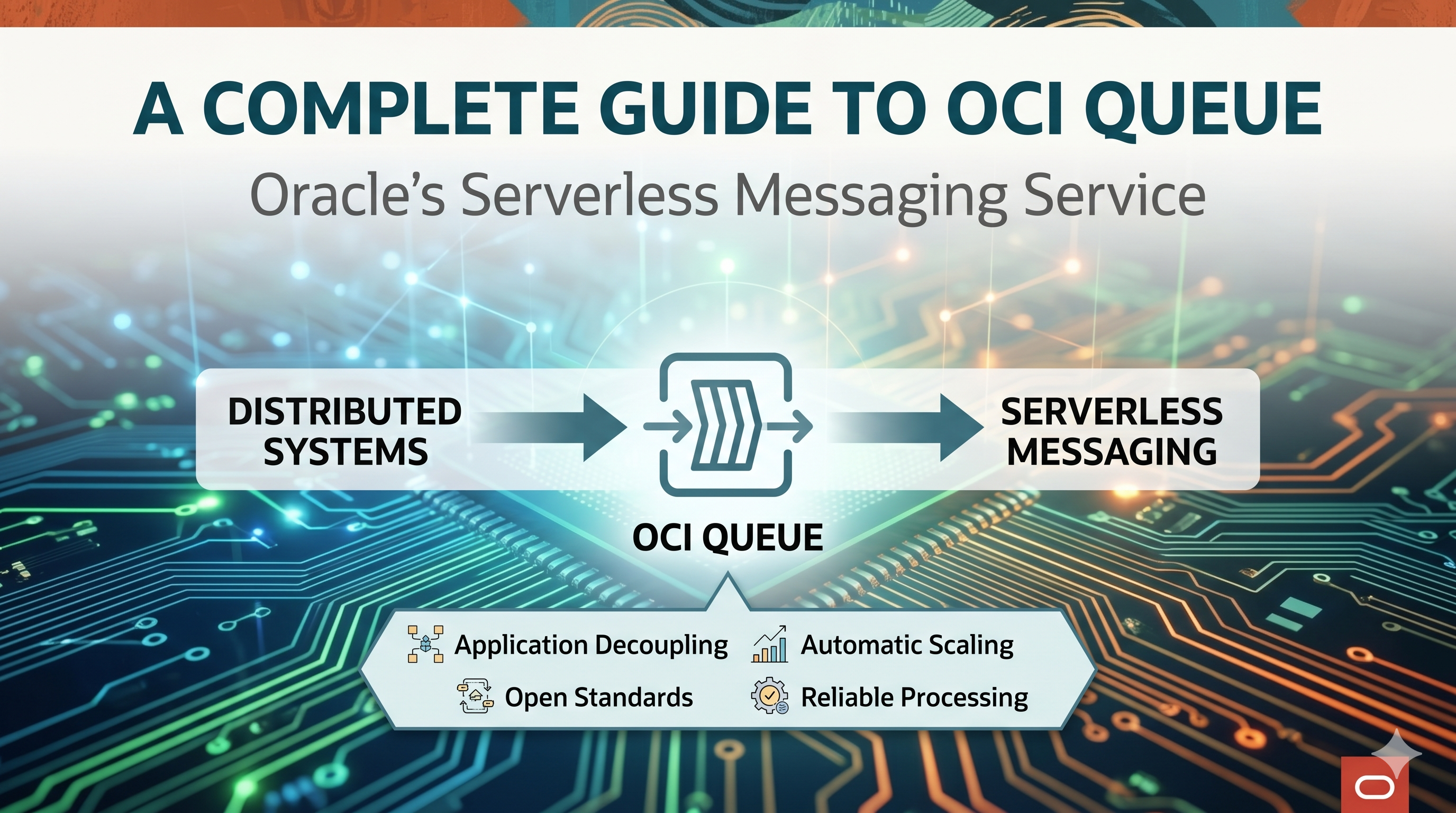
OCI Queue: A Complete Guide to Oracle's Serverless Messaging Service
What is OCI Queue?
Oracle Cloud Infrastructure (OCI) Queue is a fully managed, serverless messaging service designed for asynchronous communication between distributed systems. It handles high-volume transactional data that requires independent processing while ensuring no message loss or duplication. Built on open standards like STOMP and REST APIs, OCI Queue makes it easy to integrate with any client application.
Why Choose OCI Queue?
OCI Queue enables true service independence through asynchronous connectivity. Components can scale independently, and your architecture remains flexible as new services can seamlessly publish or subscribe to queues without disrupting existing workflows.
The service transparently handles traffic spikes and varying demand patterns. It can ingest massive message volumes during peak periods while allowing consumers to process messages at their own pace with limited resources.
Integration is straightforward thanks to support for RESTful APIs (with OpenAPI specifications) and the industry-standard STOMP protocol, reducing development time and complexity.
Messages persist until explicitly deleted or expired, with at-least-once delivery guaranteed. The service also provides fair message distribution across channels, protecting against resource monopolization by individual consumers.
Key Features at a Glance
- Scalability & High Throughput: Handles any volume seamlessly
- At-Least-Once Delivery: Messages won't be lost
- Message Locking & Batching: Efficient processing controls
- Dead Letter Queues: Automatic handling of failed messages
- Encryption Support: Both Oracle-managed and customer-managed keys
- Flexible Configuration: Custom visibility timeouts and retention periods
Getting Started with OCI Queue
Creating a Queue
Creating a queue is straightforward through the OCI Console:
- Navigate to the Queues list page and click "Create queue"
- Provide a name and select your compartment
- Choose between default or custom configuration
- Configure key settings:
- Visibility Timeout: Controls how long messages remain hidden after delivery
- Maximum Retention Period: Defines message lifespan (cannot be changed after creation)
- Channel Consumption Limits: Set bandwidth allocation per channel
- Select encryption preferences (Oracle-managed or customer-managed keys)
- Configure dead letter queue settings with maximum delivery attempts
- Optionally add tags for resource organization
Creating a Queue via REST API
Beyond the Console, queues can be provisioned programmatically through the OCI Queue control-plane API. Send a CreateQueue request to the management endpoint for your region:
The request body accepts the same configuration you would set in the Console. A typical payload looks like this:
Key fields in the request body:
- compartmentId (required): OCID of the compartment where the queue is created
- displayName (required): Human-readable name for the queue
- retentionInSeconds: How long a message is kept before it expires — set at creation and cannot be changed afterward
- visibilityInSeconds: Default visibility timeout that hides a message from other consumers after it is read
- timeoutInSeconds: Default long-polling wait time applied to GET (consume) requests
- deadLetterQueueDeliveryCount: Maximum delivery attempts before a message is moved to the dead letter queue
- channelConsumptionLimit: Per-channel consumption limit that enforces fair distribution across channels
- customEncryptionKeyId: OCID of an OCI Vault key for customer-managed encryption (omit for Oracle-managed keys)
- freeformTags / definedTags: Optional metadata for organizing and governing resources
Queue creation is asynchronous. The API responds with 202 Accepted and an
opc-work-request-id header, which you can poll through the Work Requests API to
track progress. The new queue starts in the CREATING state and transitions to
ACTIVE once provisioning completes, at which point its dedicated messages
endpoint becomes available for publishing and consuming.
Publishing Messages
Publishing is simple via REST API:
Messages can be published to the main queue or specific channels within it. Channels are ephemeral destinations that provide additional organization and fairness in message distribution.
Consuming Messages
Retrieve messages using the GET endpoint:
Each response includes up to 20 messages with their payload, message ID, expiration time, delivery count, and receipt. The receipt is crucial for updating or deleting messages. The service supports long polling for efficient consumption patterns.
Real-World Use Case: Oracle Integration Cloud
OCI Queue integrates seamlessly with Oracle Integration Cloud (OIC). One integration can publish messages to a queue using the OCI Queue adapter, while another integration subscribes and processes those messages independently. This pattern enables:
- Event-driven communication between integrations
- Improved scalability through decoupling
- Reliable message delivery without tight system coupling
Understanding Dead Letter Queues
Dead letter queues are automatically created with every queue to handle problematic messages. When a message exceeds the maximum delivery attempts (due to processing failures or visibility timeout expirations), it's automatically moved to the dead letter queue. This allows you to:
- Isolate and investigate failing messages
- Prevent bad messages from blocking the main queue
- Maintain system reliability and observability
Messages in dead letter queues remain until their retention period expires, giving you time to analyze and address issues.
Managing Your Queues
OCI Queue provides comprehensive APIs for complete queue lifecycle management:
- Queue Management: Create, update, delete, list, and purge queues
- Messaging Operations: Put, get, update, and delete messages
- Monitoring: Get queue statistics and work request status
- Organization: Change compartments and manage permissions
Deleting Queues
When you delete a queue, all associated resources are removed automatically, including all messages, channels, and the dead letter queue. This ensures clean resource management without orphaned data.
Conclusion
OCI Queue offers a powerful, fully managed solution for building resilient, scalable distributed systems. Its support for open standards, automatic scaling, reliable delivery guarantees, and seamless integration with Oracle's ecosystem makes it an excellent choice for modern cloud-native applications. Whether you're building microservices architectures, event-driven workflows, or integration platforms, OCI Queue provides the foundation for reliable asynchronous communication.
References & Further Reading
- Oracle Queue — Serverless Messaging: Product overview and capabilities
- OCI Queue Documentation: Complete service guide and concepts
- Creating a Queue: Step-by-step configuration guide
- OCI REST API Reference: Full API and endpoint documentation
- Postman: Create a Queue: Ready-to-run CreateQueue API request